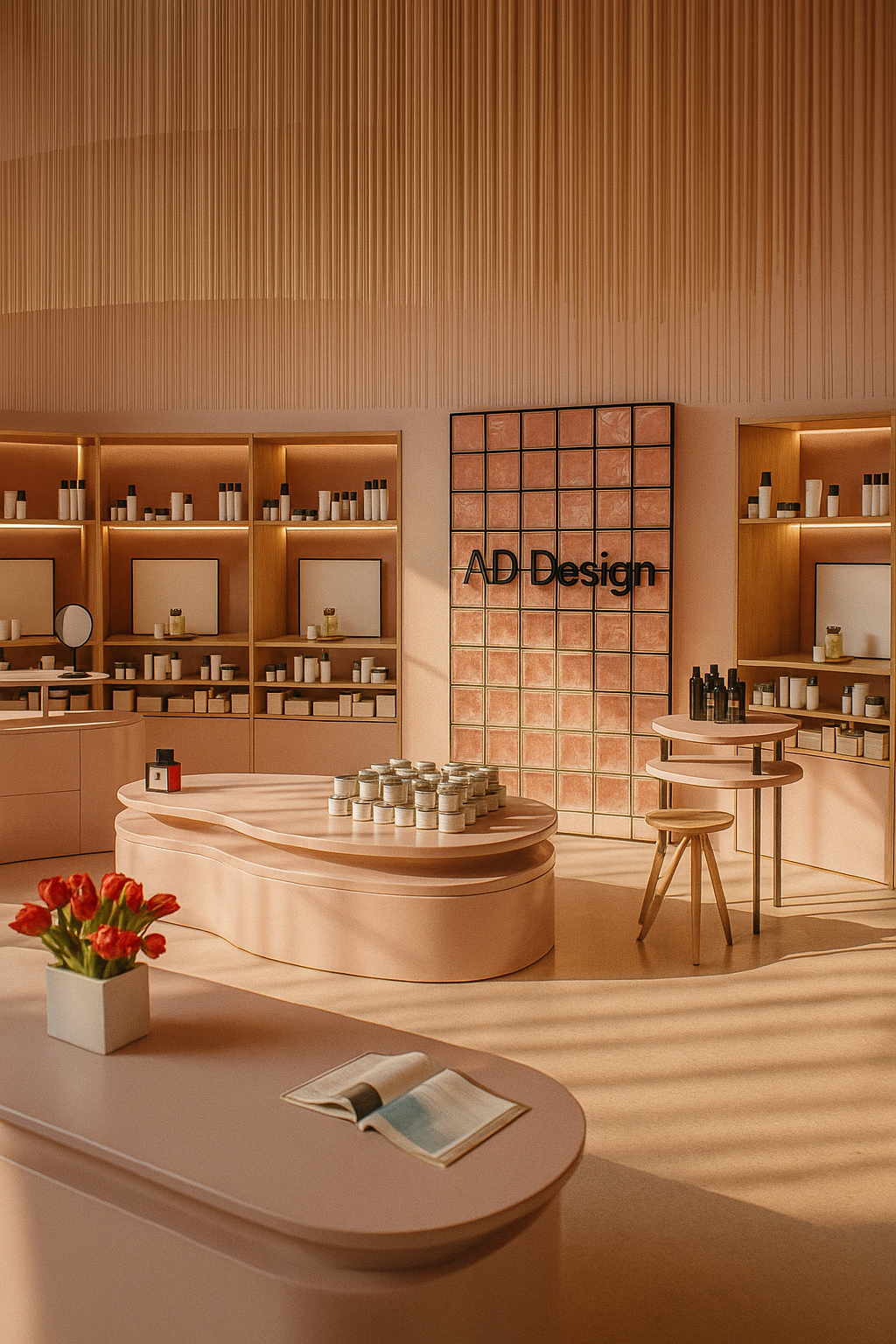
Retail & store layout
Plan spaces faster and iterate fixtures and storage without rebuilding the same elements from scratch.
Overview
With intelligent constraints and configurable catalogs, AD Design helps teams standardize their workflows and quickly produce multiple design variations without redrawing projects from scratch. The result is faster production, fewer errors, and a more efficient SketchUp environment. |
SketchUp is powerful, but professional layout and interior workflows repeat the same time-consuming steps: building storage, cutting openings, connecting walls, managing materials, and keeping geometry consistent. AD Design bundles those “daily production moves” into a coherent, icon-driven toolset—so you spend less time wrestling the model and more time designing.
Built by Adebeo and presented as a professional extension pack shaped by real production use and training.
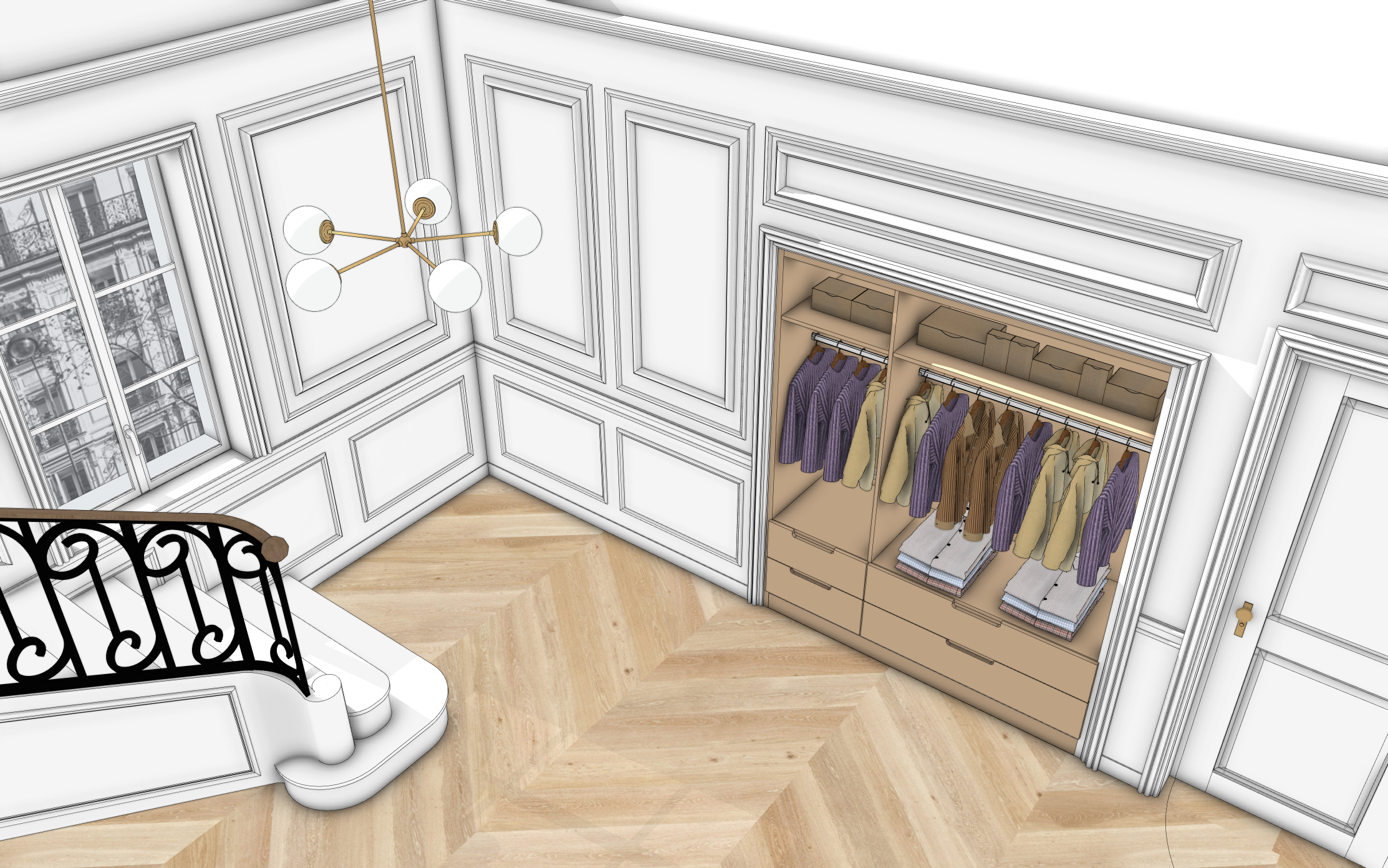
Who it’s built for
AD Design targets common project types where you iterate quickly, standardize geometry, and deliver clean 3D output.
Plan spaces faster and iterate fixtures and storage without rebuilding the same elements from scratch.
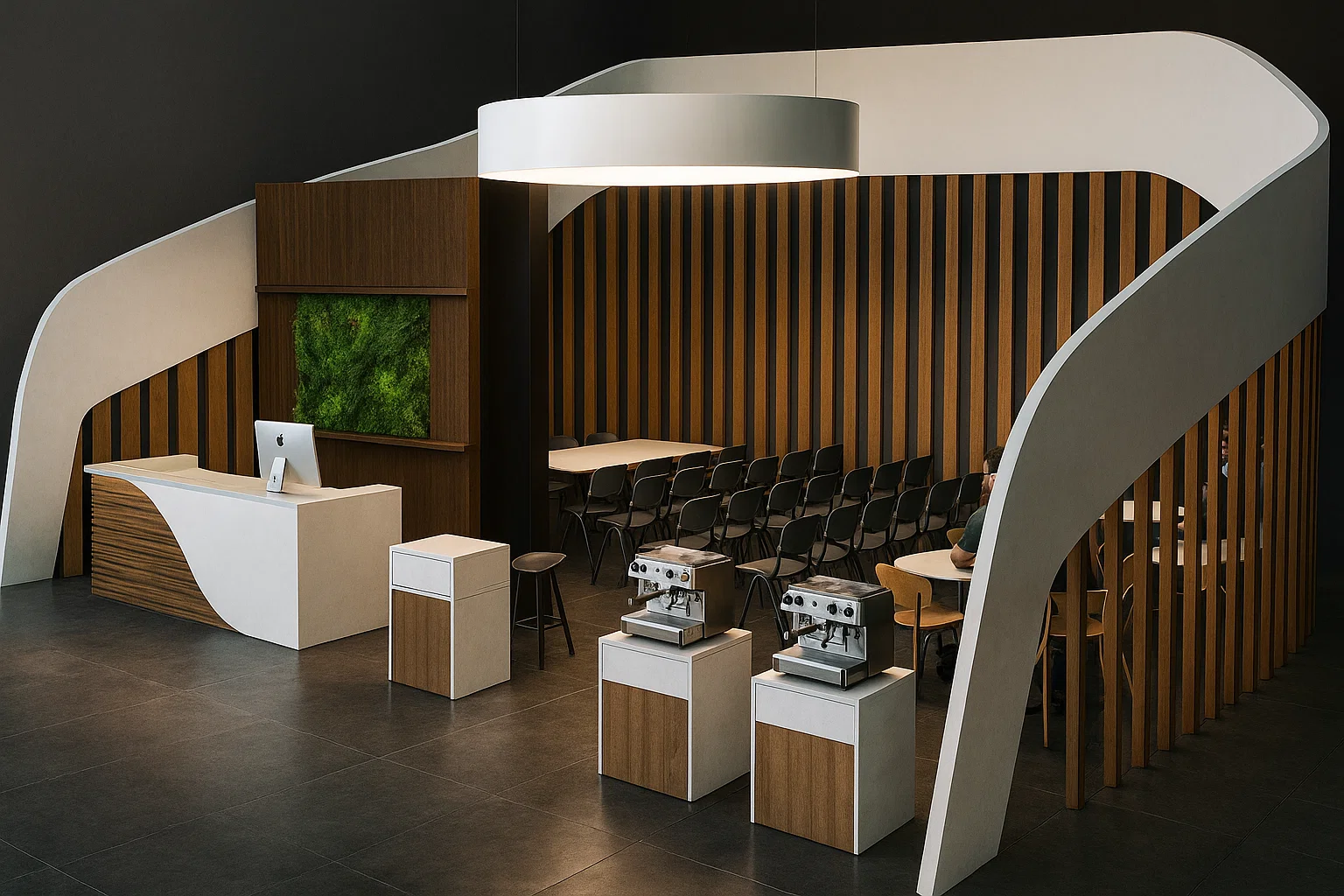
Build structures and layouts efficiently while keeping models organized for presentation and revisions.
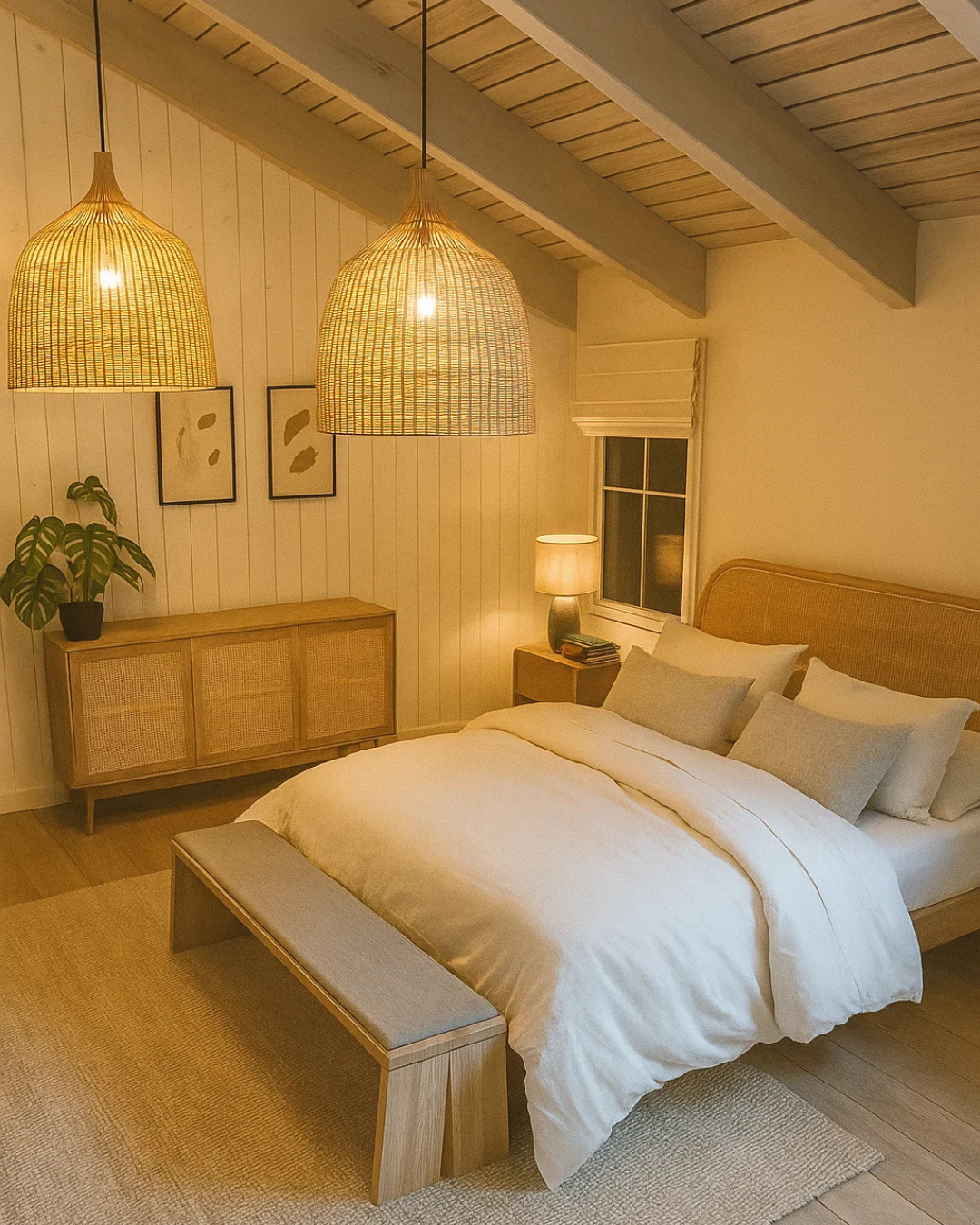
Move from shell → openings → storage → finishes with less manual cleanup and more repeatable results.
What’s included
The toolset is grouped by workflow so you can stay in “design mode” instead of hunting commands or redoing geometry.
Cabinets, drawers, shelves, rods, doors, and modular builds—aimed at reducing clicks and keeping dimensions consistent.
Automatic creation with cutting, dressing, and opening behavior—so openings behave like openings, not manual workarounds.
Walls, connected walls, floors, ceilings, and automated connections—intended to cut down late-stage geometry cleanup.
Moldings, frames, and detailing tools—small elements that usually cost big time when modeled manually.
Palette management, fast replacement, texture rotation, and model “weight” visibility to keep presentation workflows smooth.
Dynamic stair creation and orientation tools—useful when you need accurate stairs that are still quick to iterate.
Alignment, duplication along curves, symmetry helpers, and other production accelerators for everyday modeling chores.
Smart primitives and faster modeling operations (including extrusion-style workflows) to create clean geometry with less friction.
If you switch machines, deactivate/disconnect the license on the old workstation first, then activate on the new one.
Original: $104.00
-70%$104.00
$31.20
Overview
With intelligent constraints and configurable catalogs, AD Design helps teams standardize their workflows and quickly produce multiple design variations without redrawing projects from scratch. The result is faster production, fewer errors, and a more efficient SketchUp environment. |
SketchUp is powerful, but professional layout and interior workflows repeat the same time-consuming steps: building storage, cutting openings, connecting walls, managing materials, and keeping geometry consistent. AD Design bundles those “daily production moves” into a coherent, icon-driven toolset—so you spend less time wrestling the model and more time designing.
Built by Adebeo and presented as a professional extension pack shaped by real production use and training.
Who it’s built for
AD Design targets common project types where you iterate quickly, standardize geometry, and deliver clean 3D output.
Plan spaces faster and iterate fixtures and storage without rebuilding the same elements from scratch.
Build structures and layouts efficiently while keeping models organized for presentation and revisions.
Move from shell → openings → storage → finishes with less manual cleanup and more repeatable results.
What’s included
The toolset is grouped by workflow so you can stay in “design mode” instead of hunting commands or redoing geometry.
Cabinets, drawers, shelves, rods, doors, and modular builds—aimed at reducing clicks and keeping dimensions consistent.
Automatic creation with cutting, dressing, and opening behavior—so openings behave like openings, not manual workarounds.
Walls, connected walls, floors, ceilings, and automated connections—intended to cut down late-stage geometry cleanup.
Moldings, frames, and detailing tools—small elements that usually cost big time when modeled manually.
Palette management, fast replacement, texture rotation, and model “weight” visibility to keep presentation workflows smooth.
Dynamic stair creation and orientation tools—useful when you need accurate stairs that are still quick to iterate.
Alignment, duplication along curves, symmetry helpers, and other production accelerators for everyday modeling chores.
Smart primitives and faster modeling operations (including extrusion-style workflows) to create clean geometry with less friction.
If you switch machines, deactivate/disconnect the license on the old workstation first, then activate on the new one.
Original: $104.00
-70%$104.00
$31.20


