Pixel Pusher allows users to create incredible 3D particle animations by unlocking the power of an underrated and often overlooked effect in Adobe After Effects - the CC Ball Action effect.
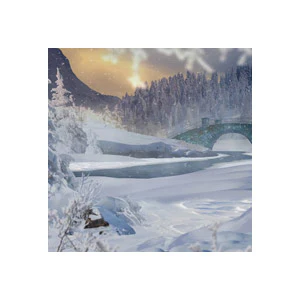
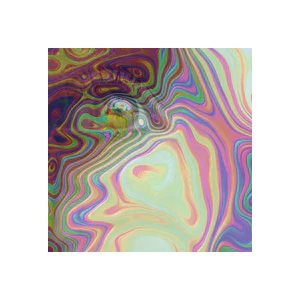
Included in the template are over 40 design presets to get you started. Presets range from 3D water and landscapes to a variety of abstract designs. Customize the presets with easy-to-use controls, and create an endless variety of looks with the optional effects.
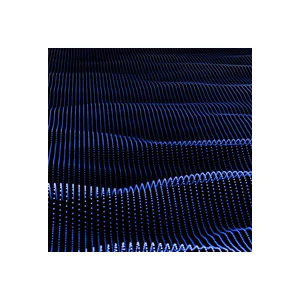
The Pixel Pusher effect pushes pixels forward or backward, based on their brightness values. Use it on your footage, or to create abstract, 3D particle animations for your motion designs.
Create perspective-bending 3D scenes in After Effects!
Features
Design presets – 41 comps featuring unique animations, including all of the animations from the demo video above.
Easy customization – The presets can be customized with convenient slider controls. Detailed instructions are found throughout the template.
3D – The designs are three-dimensional, and are compatible with After Effects camera layers. Reposition or animate your camera to view the elements from any angle.
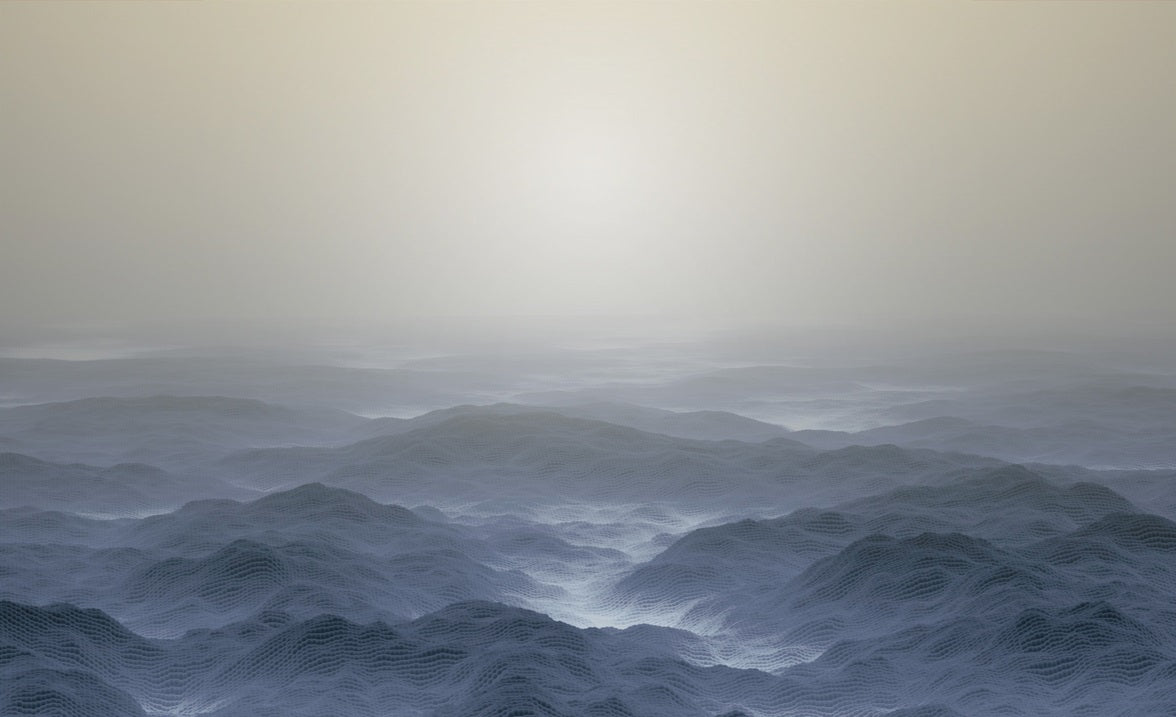
Landscapes & water – Create basic oceans or landscapes. Control the amount of detail in the waves or mountains, and animate them to move in any direction to simulate camera flyovers.
Optional effects – Each preset includes multiple effects that you can unhide to quickly create unique new looks.
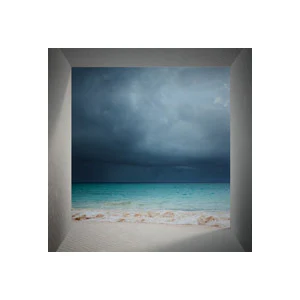
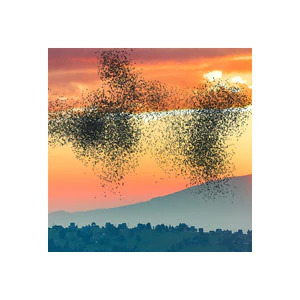
Works with footage – The Pixel Pusher effect allows you to push areas of your footage forward or backward, depending on the brightness, creating a stylized look for your footage that can be used for transitions, glitches, or a futuristic, 3D pixelation effect.
Includes both HD and 4K projects
Need to Know
This template is compatible with Adobe After Effects, v.17.0 (2020) and all later versions. Works on both PCs and Macs. No plugins required.
This template includes separate project files in HD (1920x1080) and 4K (4096x2048). Other resolutions can be attained by changing the resolution of comps, corresponding precomps, and solid layers.
Detailed instructions are found throughout the template, as well as in the video tutorial. A "Presets Preview.pdf" file is included, allowing you to quickly browse preview images of each preset.
Footage and music in demo video not included.
This template has been "universalized", so it will work in After Effects running in any language.
Tutorials
$46.55
Pixel Pusher—
$46.55
Description
Overview
Pixel Pusher allows users to create incredible 3D particle animations by unlocking the power of an underrated and often overlooked effect in Adobe After Effects - the CC Ball Action effect.
Included in the template are over 40 design presets to get you started. Presets range from 3D water and landscapes to a variety of abstract designs. Customize the presets with easy-to-use controls, and create an endless variety of looks with the optional effects.
The Pixel Pusher effect pushes pixels forward or backward, based on their brightness values. Use it on your footage, or to create abstract, 3D particle animations for your motion designs.
Create perspective-bending 3D scenes in After Effects!
Features
Design presets – 41 comps featuring unique animations, including all of the animations from the demo video above.
Easy customization – The presets can be customized with convenient slider controls. Detailed instructions are found throughout the template.
3D – The designs are three-dimensional, and are compatible with After Effects camera layers. Reposition or animate your camera to view the elements from any angle.
Landscapes & water – Create basic oceans or landscapes. Control the amount of detail in the waves or mountains, and animate them to move in any direction to simulate camera flyovers.
Optional effects – Each preset includes multiple effects that you can unhide to quickly create unique new looks.
Works with footage – The Pixel Pusher effect allows you to push areas of your footage forward or backward, depending on the brightness, creating a stylized look for your footage that can be used for transitions, glitches, or a futuristic, 3D pixelation effect.
Includes both HD and 4K projects
Need to Know
This template is compatible with Adobe After Effects, v.17.0 (2020) and all later versions. Works on both PCs and Macs. No plugins required.
This template includes separate project files in HD (1920x1080) and 4K (4096x2048). Other resolutions can be attained by changing the resolution of comps, corresponding precomps, and solid layers.
Detailed instructions are found throughout the template, as well as in the video tutorial. A "Presets Preview.pdf" file is included, allowing you to quickly browse preview images of each preset.
Footage and music in demo video not included.
This template has been "universalized", so it will work in After Effects running in any language.